
When you post on YouTube can affect how quickly a new video gets its first views, but there isn't one upload time that works for every channel. Your audience's country, time zone, niche, viewing habits, and the type of content you publish can all change when your viewers are most likely to be online.
General studies can give you a useful starting point, especially if your channel is new. But once you have enough audience data, your own YouTube Analytics is far more useful than a generic “best time to post” chart.
In this guide, you'll see the best days and times to use as a starting point, how to check when your viewers are actually on YouTube, what times may be worth avoiding, and how to test your schedule without blaming upload time for a problem caused by the topic, thumbnail, or content.
Does the Time You Post on YouTube Really Matter?
Yes, but probably not in the way you think.
Posting when your viewers are active can help a new video get early views and engagement. But YouTube officially confirms there is no evidence that upload time determines a video's long-term performance. A video can still take off hours or even days after you publish it once recommendation algorithms recognize strong viewer satisfaction.
That means you shouldn't delay a strong video for days just to hit a supposedly perfect time.
When Does Posting Time Matter Most?
Timing becomes more important when viewers are expected to show up at a specific time:
- Live Streams and Premieres: These formats benefit heavily from being scheduled when your audience is online because you want people available to watch in real-time, participate in live chat, and interact. YouTube specifically recommends using audience activity data when planning these events.
- Time-Sensitive News and Reactions: For breaking industry news, conference announcements, product launches, sports reactions, or viral trending discussions, being early matters far more than waiting for your usual weekly upload window.
For regular evergreen videos, however, don't treat publishing time as the main growth lever. Your topic, title, thumbnail, viewer satisfaction, and ability to keep people watching have much more to do with how the video performs over months.
What Is the Best Time to Post on YouTube?
There isn't one perfect upload time for every YouTube channel. But if you don't have enough audience data yet, recent large-scale research provides a practical starting schedule.
For long-form videos, the strongest pattern is generally morning so the video can process and index before peak afternoon viewing. For YouTube Shorts, evenings tend to perform better, with Friday standing out as the strongest overall day.
Best Time to Post on YouTube by Day
Here is the breakdown of the highest-performing baseline publishing slots across the week:
| Day of Week | Long-Form Videos | YouTube Shorts |
|---|---|---|
| Monday | 9:00 a.m. | 8:00 p.m. |
| Tuesday | 9:00 a.m. | 8:00 p.m. |
| Wednesday | 7:00 a.m. | 7:00 p.m. |
| Thursday | 5:00 p.m. | 7:00 p.m. |
| Friday | 12:00 p.m. | 4:00 p.m. (Best for Shorts) |
| Saturday | 12:00 p.m. | 7:00 p.m. |
| Sunday | 10:00 a.m. (Best for Long-Form) | 7:00 p.m. |
These are the strongest individual starting slots from large-scale creator dataset analyses, not guaranteed best times for every channel. The data highlights Sunday at 10 a.m. as the strongest long-form slot overall, while Friday at 4 p.m. leads Shorts.
Best Days to Post YouTube Videos
When ranking overall engagement across days of the week:
Weekend mornings and early work week viewing drive consistent watch sessions.
Casual mobile viewing spikes going into and across the weekend.
So if you only publish one long-form video per week and have no reliable channel data yet, Sunday morning is a reasonable starting point. If you're primarily publishing Shorts, Friday afternoon/evening is a stronger place to start.
These times are only general benchmarks. The right posting time can be different for every channel because your audience may live in different countries and time zones, follow a different daily routine, or watch YouTube at different times depending on their age, niche, and content type.
For example, a gaming channel aimed at teenagers may see viewers online after school, while a business channel may have more viewers during lunch breaks or in the evening. A channel with viewers spread across the US, UK, and Australia may also have several smaller audience peaks instead of one obvious peak.
What Is the Worst Time to Post on YouTube?
There isn't a specific hour that YouTube considers the “worst time” to upload. A time that performs poorly for one channel can work perfectly well for another.
The bigger issue is publishing when your target viewers are unlikely to be available, especially when you're relying on early views and engagement.
For example, if most of your viewers are active in the evening but you consistently publish in the middle of their work or school day, your video may have fewer viewers available when it first goes live. That doesn't mean the video is doomed—it can still gain views later—but you may miss some early activity.
When Can a Posting Time Be a Poor Choice?
A few common situations are worth avoiding:
- • Your audience is mostly offline: If your own YouTube Analytics shows very little viewer activity during a particular period, there is little reason to make that your default upload window.
- • You're targeting another time zone: Publishing at 8 p.m. for you could mean 3 a.m. for most of your intended audience if you are located on another continent.
- • You're posting time-sensitive content too late: For news, events, trends, or reactions, being several hours late can matter more than finding your usual posting slot.
- • You're choosing a time only because another creator uses it: Their audience size, location, and viewing habits may be completely different from yours.
How to Find the Best Time to Post for Your YouTube Channel
Once your channel has enough viewer data, stop relying on generic “best time to post” charts and look at your own audience.
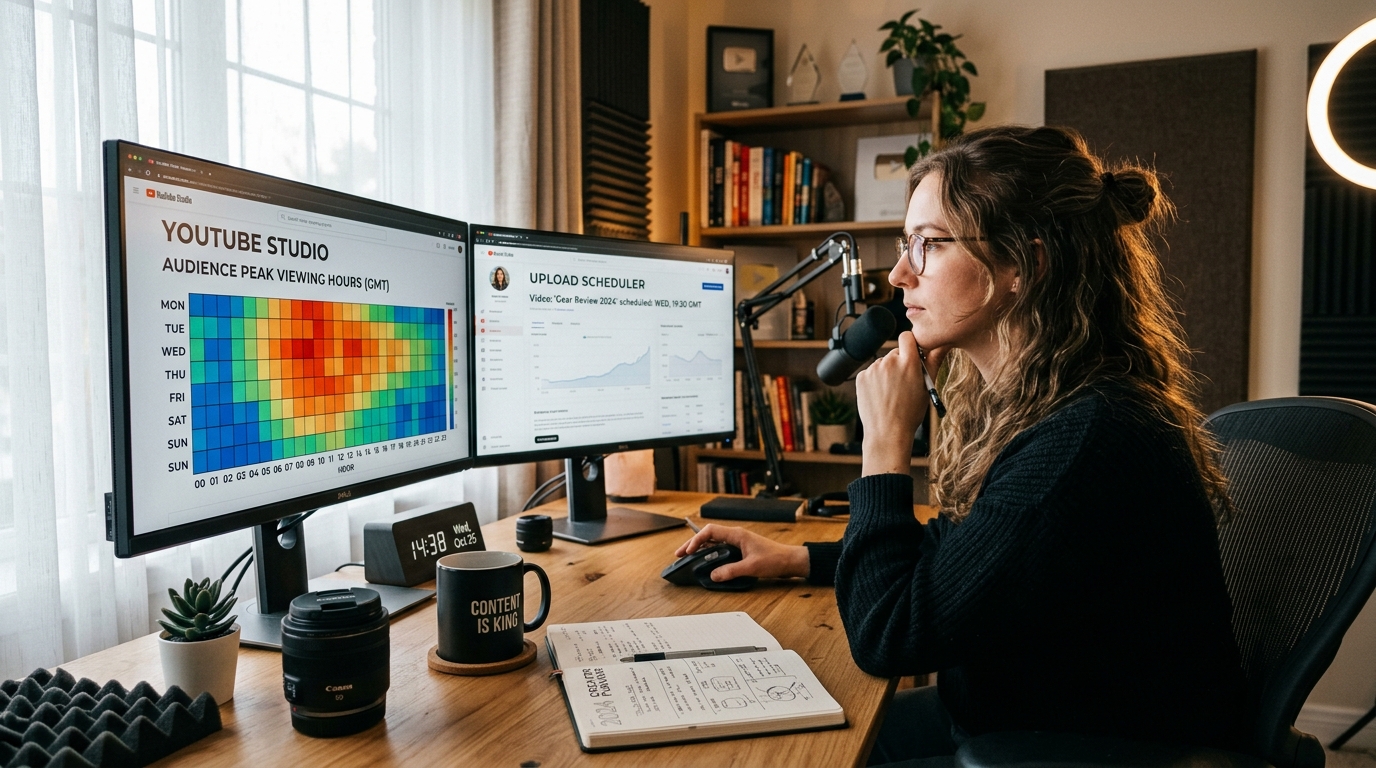
YouTube Studio includes a dedicated report called “When your viewers are on YouTube.” It maps exactly when your viewers were active across YouTube during the past 28 days.
Where to Find Your Audience's Active Hours
You'll see a day-and-time activity chart. Darker purple blocks indicate when more of your viewers are on YouTube.
Don't just look for the single darkest block. Look for a repeatable pattern across several days. For example, if your audience consistently becomes more active between 6 p.m. and 9 p.m., that is more useful than one isolated spike on Tuesday.
Use Your Audience Data With Your Content Data
Your audience activity chart tells you when people are around, but it doesn't automatically prove that publishing at that exact minute will produce more views.
Compare it with your own videos:
- When were your strongest videos published?
- Which days produced better early performance?
- Do Shorts and long-form videos show different patterns? (Check our guide on Using Shorts to Grow a Long-Form Channel for cross-format scheduling).
- Are viewers concentrated in one country or spread across several?
- Did similar videos perform differently when published at different times?
This is especially important for channels with an international audience. Your “best time” may need to balance several time zones rather than simply follow the country where you live.
Your Analytics should be the final reference—not a generic chart made for someone else's audience.
What Time Should You Post If You Have Little or No Audience Data?
A new channel usually won't have enough audience history to identify a reliable peak time. That's normal. You don't need to wait for perfect data before publishing.
Start with a reasonable schedule that matches the people you're trying to reach. Think about when your target viewers are likely to have time to watch YouTube, then use a general benchmark as a starting point rather than treating it as a rigid rule.
Your niche can make a difference. A study-focused channel may have a different viewing pattern from a gaming channel, while a business channel targeting professionals may see more activity during lunch breaks or after 6 p.m.
Your target location matters too. If most of your intended viewers are in the U.S., scheduling around local Asian time without converting can put your upload in the middle of their night. If your audience is international, choose a window that reasonably overlaps your largest viewer bases.
What If You Don't Know Where Your Audience Is Yet?
Use the audience you are trying to build as your starting point. For example, if you're creating English-language fitness content for viewers in the U.S. and UK, schedule around the viewing habits of those markets instead of choosing a time simply because it is convenient for you.
Then let your channel's actual data replace those assumptions as your audience develops over your first 30 uploads.
Should You Copy a Competitor's Upload Time?
You can use competitors for research, but don't treat their schedule as proof. A competitor may have a completely different audience size, country mix, subscriber base, publishing history, and returning-viewer behavior. Their 8 p.m. upload could work because of their specific audience—not because 8 p.m. is inherently better on YouTube.
For step-by-step guidance on establishing your initial subscriber base, explore our framework: How to Get Your First 1,000 YouTube Subscribers: A Practical Growth Strategy 2026.
How to Test Your YouTube Posting Time and Know If It Works
Changing your upload time once doesn't tell you much. A video can perform differently because of its topic, thumbnail, title, audience demand, or simply because YouTube recommends it differently.
If you want to know whether timing is actually helping, test it systematically.
Test One Schedule at a Time
Choose two or three realistic posting windows and use each consistently for several comparable uploads. For example:
- Slot A: Tuesday at 10 a.m. (Test for 3 uploads)
- Slot B: Thursday at 6 p.m. (Test for 3 uploads)
- Slot C: Sunday at 10 a.m. (Test for 3 uploads)
Don't change your thumbnail strategy, topic quality, and publishing schedule all at once. If everything changes together, you won't know what caused the difference.
What Should You Compare?
Look beyond the first few hours. Compare similar videos using metrics such as:
- Impressions: Did YouTube give the video enough opportunities to be seen?
- Click-Through Rate (CTR): Did people choose the video when it was shown? (Audit your titles and packaging with our YouTube Video SEO Checker to isolate packaging variables).
- Average View Duration and Retention: Did viewers actually stay? (See How to Increase YouTube Watch Time).
- Views Over the First 24–48 Hours: Useful for comparing early momentum.
- Longer-Term Views: Did the difference continue, or did the videos eventually catch up?
This helps separate a timing problem from a content problem. If one upload gets fewer early views but later catches up, changing your posting time may not be necessary.
When Should You Change Your Schedule?
Change it when you see a consistent pattern across comparable videos, not because one upload had a slow start. If your audience activity suggests one window but your videos repeatedly perform better in another, investigate the difference before changing your schedule. Topic, format, traffic source, and audience behavior may explain it.
Frequently Asked Questions About YouTube Timing and Views
How to Check Audience Peak Time on YouTube?
Go to YouTube Studio → Analytics → Audience and look for “When your viewers are on YouTube.” The report shows when your viewers were active across YouTube over the past 28 days. Use the darker activity periods as a guide, then compare them with how your own videos perform after publishing. If your audience is spread across several countries, also check where your viewers are located before choosing a time.
Is 2,000 Views in 1 Day Good on YouTube?
Yes, 2,000 views in one day can be a good result—but there is no universal number that makes it “good.” For a new or small channel, 2,000 views can be a strong sign that a video is reaching beyond its existing audience. For a channel that normally gets 50,000 views per day, it would be a very different result. Look at views compared with your usual performance, along with impressions, CTR, retention, and subscribers gained.
How to Find the Best Time to Post on YouTube?
Start with YouTube Studio → Analytics → Audience → “When your viewers are on YouTube.” Look for consistent periods when your audience is active rather than choosing one isolated peak. Then test your uploads around those windows and compare similar videos over several uploads. If your channel doesn't have enough audience data yet, use your target viewers' country, time zone, niche, and typical viewing habits to choose a starting schedule.
How to Get 100 Subscribers in 1 Day?
There is no reliable method that guarantees 100 genuine subscribers in a single day. If you want to reach that number quickly, your best opportunity is usually a video or Short that reaches people beyond your existing audience and gives them a clear reason to subscribe. Focus on a topic with existing demand, make the value obvious immediately, and connect the video to other useful content on your channel. Review our YouTube Monetization Requirements (YPP Guide) to track your milestone progress.
How Can I Increase My YouTube Views?
Start by finding out where your current views are coming from and where the video is losing potential viewers. If impressions are low, the topic or audience match may need work. If impressions are high but CTR is weak, look at the title and thumbnail. If people click but leave early, improve the opening and content structure. You can also calculate the revenue potential of increased views with our YouTube Revenue Calculator.